

A dash cam can be a worthwhile addition for Gold Coast drivers who want a reliable record of what happens on the road or around their parked vehicle. With busy commuter routes, sudden weather changes and everyday near-misses, clear video footage can provide useful evidence if an incident leads to an insurance claim or dispute.
The key is choosing a camera that suits how and where you drive, then installing it correctly. A well-positioned, hardwired system can provide front and rear coverage, record while the vehicle is parked and operate without loose cables getting in the way.
Why Every Gold Coast Driver Should Consider A Dash Cam
Most drivers don't think seriously about a dash cam until something happens. It might be a close call at an intersection, a minor collision in a car park or a friend's experience trying to establish what happened after an accident.
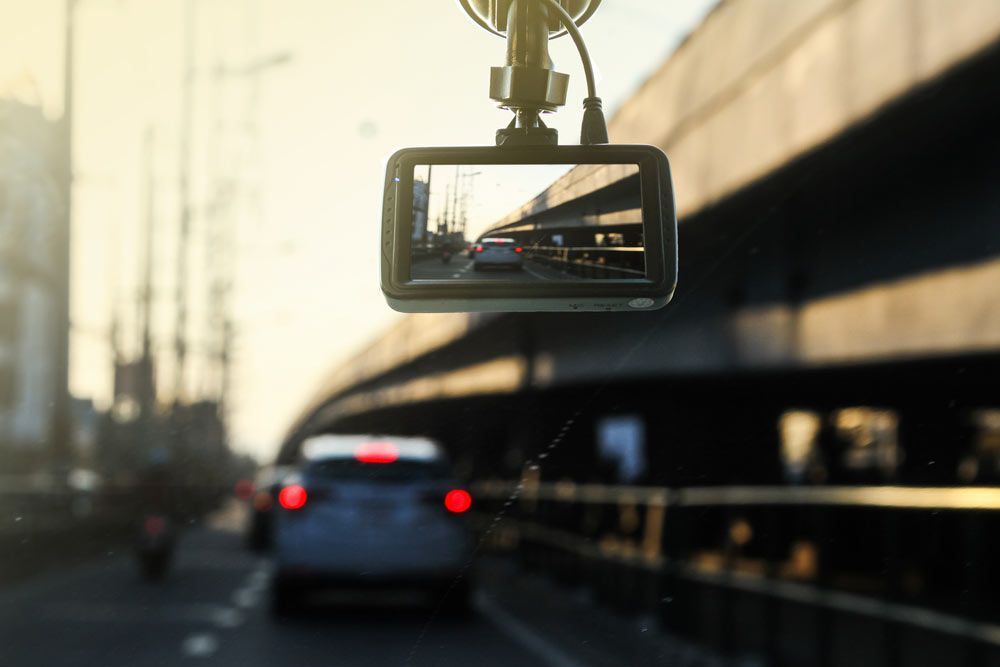
A dash cam creates an independent visual record. Instead of relying entirely on memory or conflicting accounts, you may have footage showing vehicle movements, traffic conditions and the sequence of events leading up to an incident.
That can make a dash cam particularly useful for:
- providing footage that may support insurance claims
- recording hit-and-run incidents or number plates where image quality & conditions allow
- capturing incidents involving other road users
- monitoring the vehicle while parked when the camera supports parking mode
- reviewing unexpected events or near-misses after a trip
Gold Coast driving can also involve very different conditions in the same week, from congested urban roads to heavy rain and low-light driving. Choosing a camera capable of producing usable footage across those conditions matters more than simply buying the model with the longest feature list.
A dash cam doesn't prevent accidents, but it can remove some of the uncertainty afterwards.
Professional Installation Vs DIY: What's The Difference?
Plug-in dash cams can look simple enough to install yourself. Mount the camera, connect it to a 12V socket and tuck the cable away. For a basic setup, that may be sufficient.
The difference becomes more significant when you want a permanent setup with features such as parking mode or front and rear recording.
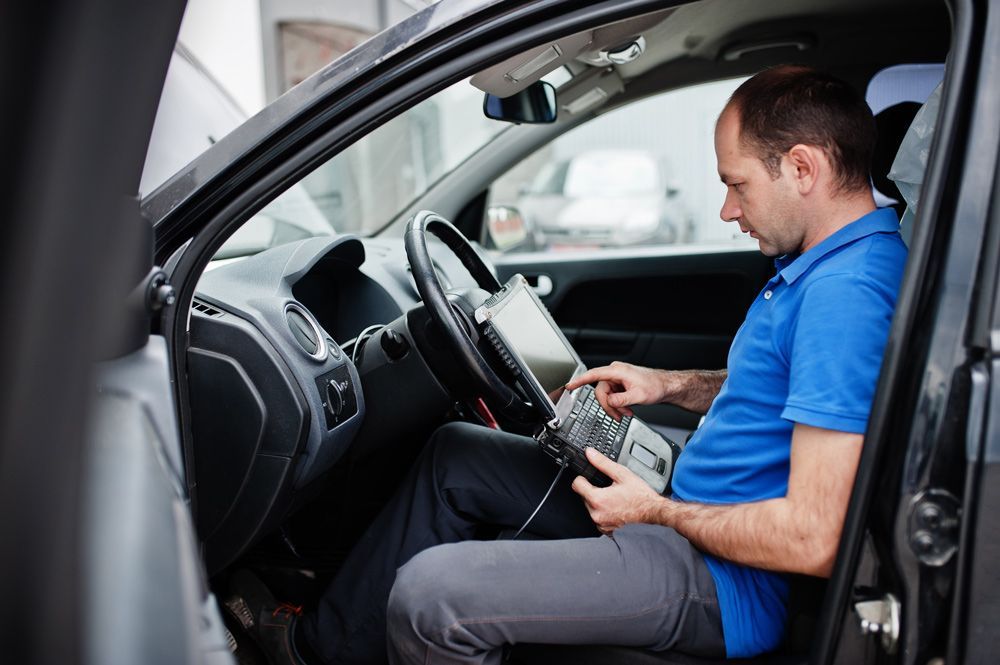
Professional dash cam installation on the Gold Coast can include hardwiring the unit into the vehicle's electrical system, positioning cameras for a clear field of view and routing wiring neatly through the cabin. A professional installer can also account for the vehicle's trim, airbags and electrical layout rather than simply pushing cables behind the nearest panel.
A hardwired installation is particularly useful for parking mode. Depending on the camera and installation setup, the system can monitor the vehicle when the ignition is off while using appropriate power management to help protect the vehicle battery.
Professional fitting also produces a cleaner result. You don't have a power cable hanging down the windscreen or running visibly across the dashboard, and your 12V outlet remains available for other accessories.
DIY installation can still suit drivers who want a straightforward, removable camera. If you want discreet wiring, parking protection, multiple cameras or integration into a modern vehicle, however, using a qualified installer near you can avoid common installation compromises.
What To Look For In A Dash Cam
The best dash cams for Gold Coast driving aren't necessarily the ones with the most specifications printed on the box. Focus on features that improve the quality and usefulness of the footage you actually capture.
- A high-resolution camera isn't automatically good at night. Look for strong low-light performance that can retain useful detail around streetlights, headlights and darker roads. This matters if you regularly commute before sunrise or after dark. Good low-light performance is also useful in covered car parks, where lighting can change sharply as you move between bright and shaded areas.
- Parking mode allows compatible cameras to monitor the vehicle after you leave it. Depending on the model, the camera may use motion detection, impact detection, time-lapse recording or a combination of these functions. This can add another layer to your overall car security setup, particularly if you regularly leave your vehicle in public car parks or on the street. Parking mode normally works best with an appropriate hardwired installation and power-management configuration.
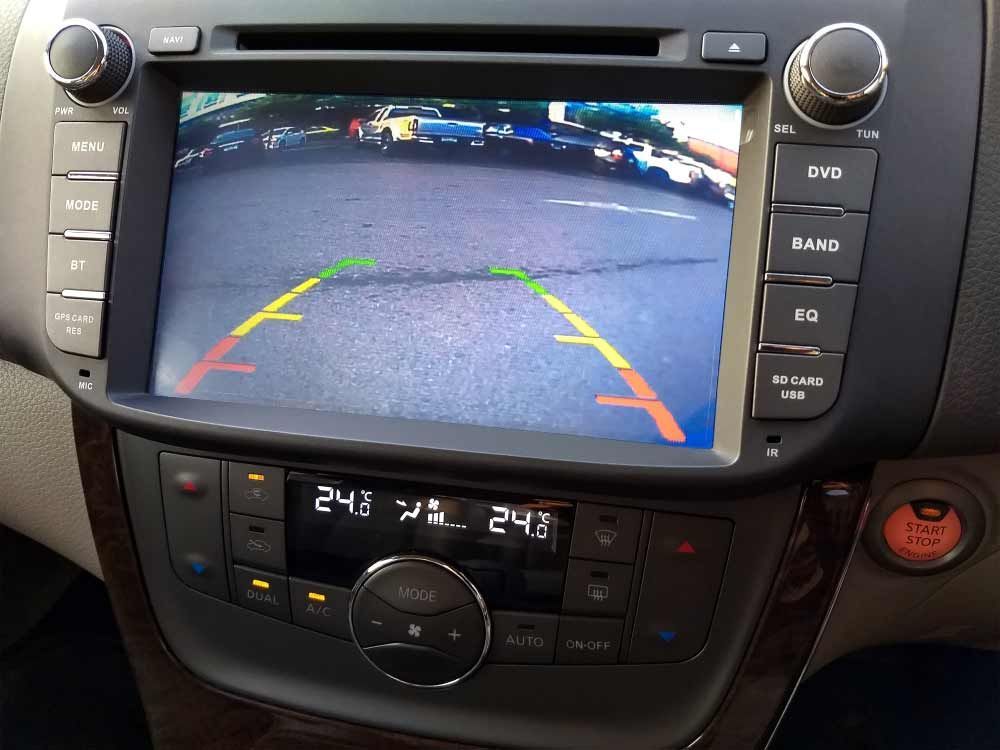
- A front and rear dash cam gives you broader coverage, which can be valuable if you're hit from behind or an incident develops behind the vehicle before moving into the front camera's view. Rear camera positioning and cable routing vary between vehicles, particularly with hatchbacks, SUVs and utes. Drivers who want better visibility while reversing may also consider a dedicated reverse camera installation, which serves a different purpose from a rear-facing dash cam.
- Useful features can include GPS data, Wi-Fi connectivity, event recording, suitable storage capacity and an easy-to-use mobile app. The right combination depends on whether you mainly want evidence while driving, protection while parked or both. It also helps to understand
how a dash cam works before comparing models. Knowing how loop recording, event files and storage work makes it easier to choose a system that fits your needs rather than paying for features you won't use.
Are Dash Cams Legal In Queensland?
Dash cams can be used in Queensland, but their positioning and use need to comply with applicable road rules and vehicle requirements.
Queensland vehicle standards require relevant equipment to be securely mounted so it doesn't obscure the driver's view of the road or impede movement inside the vehicle. Queensland road rules also regulate visual displays while a vehicle is moving or stationary but not parked, with exceptions applying to certain driver's aids.
In practical terms, don't position a dash cam where it unnecessarily blocks your view through the windscreen. A discreet location that gives the camera a useful field of view without interfering with the driver's normal sightline is important.
You should also avoid adjusting or interacting with devices while driving. Queensland's Department of Transport and Main Roads emphasises that drivers must maintain proper control and avoid distraction; its current mobile phone guidance also states that even permitted hands-free use must not interfere with proper control or due care and attention.
For a dash cam, the safest approach is simple: configure the camera before you set off and leave it to record while you're driving.
Rules and individual circumstances can change, so check current Queensland Government guidance if you're uncertain about a particular setup. This information is general and isn't legal advice.
Why Gold Coast Drivers Choose AAV
AAV (Automotive Audio Visual) specialises in in-car electronics, which means a dash cam can be selected and installed as part of the vehicle rather than treated as a standalone gadget stuck to the windscreen.
Professional fitting can provide discreet cable routing, appropriate camera positioning and a hardwired setup where required. It's particularly valuable for front and rear systems and cameras using parking mode, where installation quality directly affects how practical the system is day to day.
AAV can also help drivers looking at other in-car upgrades, including reverse cameras, vehicle security systems and Apple CarPlay installation. That makes it easier to consider how different accessories will work together rather than adding them individually without planning the overall setup.
The main takeaway is to choose a dash cam for the footage and protection you actually need. Prioritise clear recording in real driving conditions, consider front and rear coverage if you want a broader record and make sure features such as parking mode have the right installation behind them.
If you're considering a dash cam for your vehicle, AAV can help you choose a suitable system and install it cleanly and correctly. Contact the AAV team to discuss your vehicle, how you use it and the features that matter to you.
Frequently Asked Questions